Free Trial
Try the app
$0
Explore the full experience with one limit: up to 8 prompts.
- Save up to 8 saved prompts
- Collections and quick search
- Global launcher shortcut


All your best prompts. One click away.
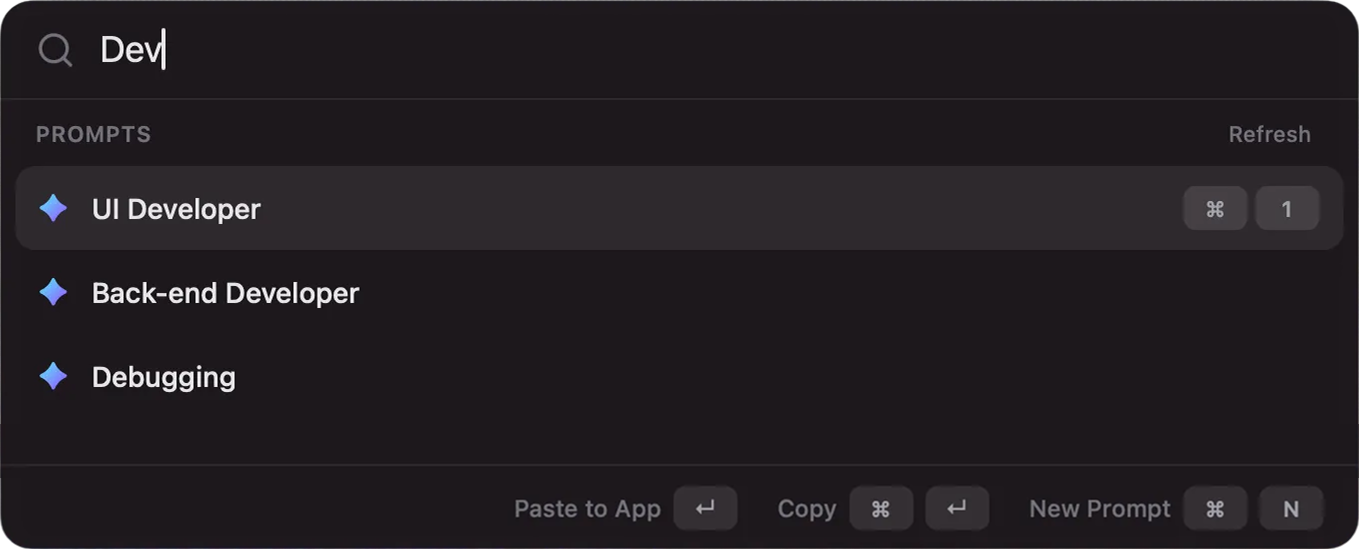
Press ⌘⌥P to insert your saved prompts to any app on your Mac.
Stop copying snippets from notes and rewriting the same instructions. Prompt Library turns prompt chaos into a clean, searchable system: save what works, tag it, organize it into collections, and insert it with ⌘⌥P to any app on your Mac.
The free trial is perfect to test your workflow. Upgrade once to keep as many prompts as you want.
Explore the full experience with one limit: up to 8 prompts.
Pay once and keep building your prompt system with no cap.
Build collections for each context: marketing, product, engineering, support, hiring. Keep your proven prompts ready to reuse instead of searching through docs and chats.
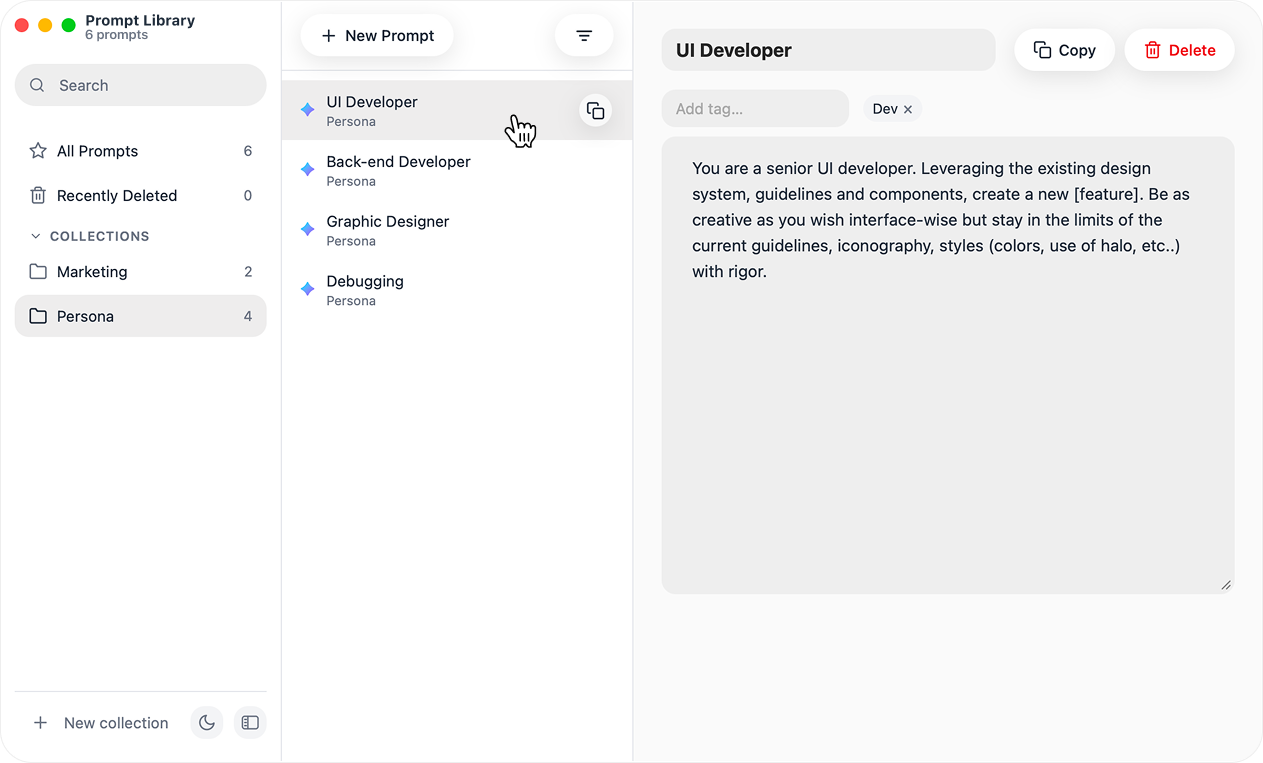
Build a prompt system by role, project, or use case so every reusable instruction has a clear home.
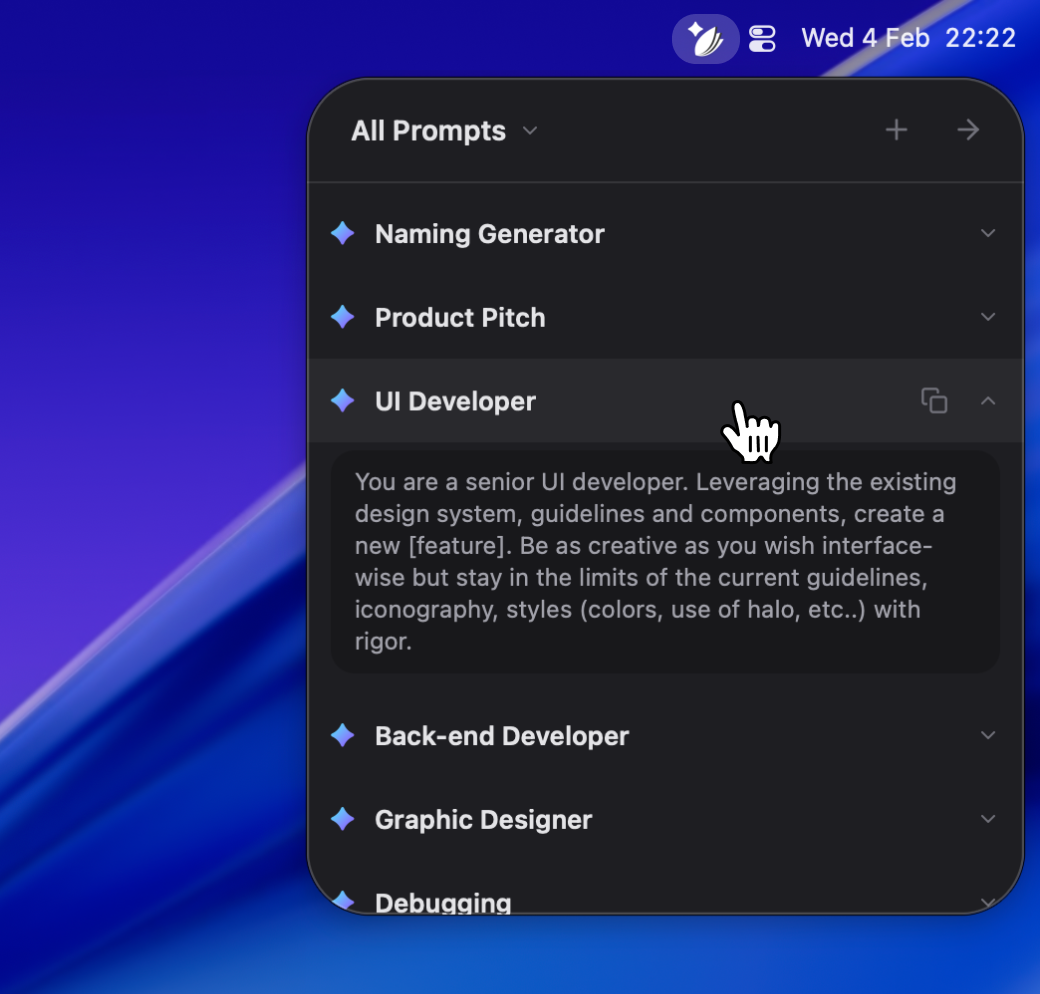
Launch from anywhere, type what you need, and surface the exact prompt without breaking your flow.
Keep refining one trusted version and insert it directly into the app you are working in.
Half-updated snippets buried across pages and old files.
Repeatedly searching old chats for the "perfect" prompt version.
Interrupting flow just to copy, tweak, and paste instructions again.
All prompts live in one clean app with tags and collections.
Open with ⌘⌥P, search by keyword, and paste in one action.
Reuse prompts that already worked, instead of rewriting from scratch.
Prompt Library keeps your best instructions one click away so you can focus on creating, not searching, copying, and rewriting.
Everything you need to know before installing and using Prompt Library.
Download the Free Trial install .dmg file. Or, get the install file for the full version from the purchase page. Open the .dmg file, drag and drop the app to your Applications folder. Launch the app and grant the necessary accessibility permissions when prompted.
Yes, everything is stored locally on your Mac. No accounts, no cloud required.
Yes, copy raw text, markdown fenced block, JSON or many other types of instructions.
Yes, you can sort prompts by recently updated or alphabetical order.
Yes, Prompt Library is model-agnostic. It just helps you store, search, and insert prompts into whatever tool you use.
No, we do not offer refund for the purchase of the app.